


There is a trap that catches almost every new course creator before they've recorded a single lesson.
It starts innocently enough. You decide you're going to build an online course. So you start researching what you need. And within about forty minutes of searching, you've got fifteen browser tabs open — course hosting platforms, email marketing tools, landing page builders, payment processors, webinar software, membership site plugins, video hosting services, and at least three tools you don't fully understand but someone in a forum said were essential.
Each one has a free trial. Each one has a monthly fee. Each one promises to be the missing piece that makes your course business work.
And before you've written a single lesson outline or recorded a single minute of content, you're already overwhelmed, already behind, and already convincing yourself that you need to figure out the tech before you can start building.
This is the tool research trap. And it is one of the most effective ways to never launch anything.
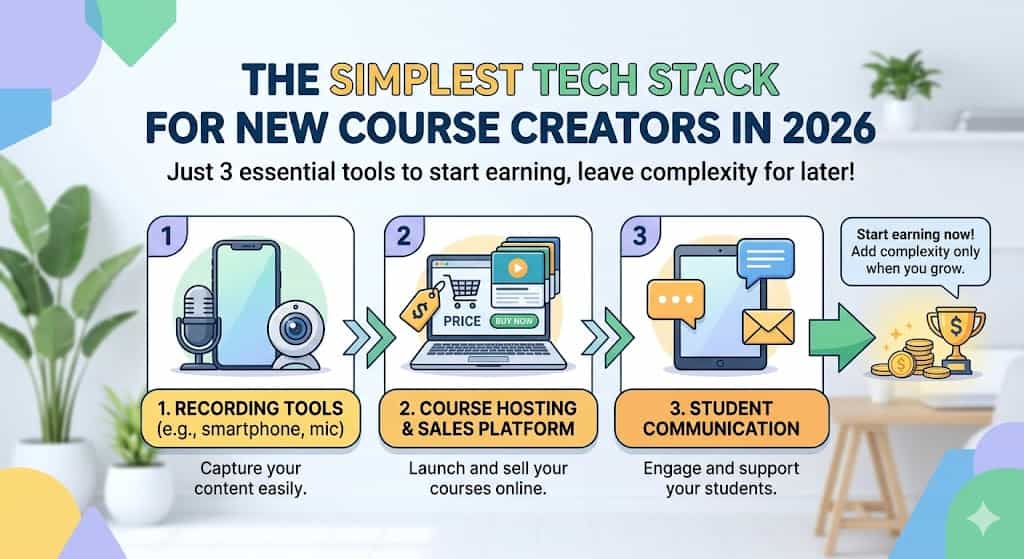
This post is the antidote. We're going to tell you exactly what you need — and nothing more — to build, sell, and deliver an online course in 2026. Three tools. A clear explanation of each one. And honest guidance on when to add more.
If you'd rather watch than read, the full video is embedded above.
Why Simplicity Is the Right Starting Point
Before we get into the tools themselves, it's worth understanding why keeping your tech stack simple isn't just a matter of convenience — it's genuinely the smarter strategic choice at the beginning.
Every tool you add before you launch is another thing to learn. Another monthly subscription to justify. Another potential point of failure when you're trying to get your first course in front of students. Another layer of complexity between you and the thing that actually matters, which is building something useful and selling it to real people.
Complexity also has a psychological cost that's easy to underestimate. The more complicated your setup, the more there is to go wrong, the more time you spend on maintenance rather than creation, and the more legitimate-seeming reasons you have to delay your launch until everything is perfect.
None of that serves you. What serves you is having the minimum viable setup in place — something that works, that you understand, and that you can actually use — and then getting your course built and in front of people.
Constraints are not a disadvantage at the start. They're a feature. When you have one tool that does several things, you learn that tool deeply. And deep familiarity with one good tool is more valuable than surface-level knowledge of twelve.
With that said — here's the stack.
Tool 1: Something to Record With
The first tool is the one that causes the most anxiety and deserves the least of it.
You need something to record your course content. And the barrier here is almost entirely in your head, not in your kit list.
The camera
If you have a smartphone made in the last three or four years, you have a perfectly good camera for recording online course content. The video quality of a current iPhone or Android device is significantly better than professional broadcast cameras from a decade ago. Your phone is not the thing stopping you from starting.
If you want to invest in a dedicated camera — and there are good reasons to, particularly if you're going to be producing content at volume — the Sony ZV-e10 is the camera we use at Seller School and the one we'd recommend without hesitation. It's designed specifically for video content creators, it's significantly more affordable than comparable mirrorless cameras, and paired with the Sigma 16mm f/1.4 lens it produces a beautiful image with that sought-after shallow depth of field background blur. Links to both are in our kit list.
But again — your phone works. Don't let the absence of a Sony ZV-e10 be the reason you don't start this week.
The microphone
Here is where a small investment makes a disproportionate difference.
Bad video with good audio is watchable. Good video with bad audio is not. Your students will forgive imperfect visuals. They will not sit through muffled, echoey, or distorted sound for an entire course.
The best free option is a pair of wired earphones used as a microphone — the ones that probably came with your phone. Plugged in and held reasonably close to your mouth, they produce audio that is a genuine step up from your camera's built-in microphone.
The best entry-level investment is the Shure MV7 USB microphone. It plugs directly into your computer — no audio interface needed — and produces genuinely excellent audio quality. At around £220 it's a one-time cost rather than a subscription, and it's the kind of tool you'll still be using five years from now. If you're serious about creating content, this is the single upgrade that will have the most visible impact on the quality of what you produce.
We also use the Rode Procaster as our main desk microphone — a broadcast-quality dynamic mic that's particularly good at rejecting background noise — but this requires an audio interface to connect to your computer, which adds cost and complexity. For most people starting out, the Shure MV7 is the better first microphone.
All microphone recommendations are in our full kit list.
Lighting
Good lighting is the second most impactful upgrade after audio — and a basic setup costs considerably less than you might expect.
A well-positioned window with natural daylight on your face is a genuinely good starting point. Sit facing the window, not with it behind you, and you'll have clean, flattering light for free.
When you're ready to invest, a single LED panel light with a softbox diffuser transforms how you look on screen. We use the Godox SL60IIBi LED light paired with the Godox Octagon Softbox, which together produce soft, even light that eliminates shadows and makes a modest camera setup look considerably more professional. The combination is around £150 to £180 — a one-time cost that will serve you for years.
Screen recording
For tutorial content, walkthroughs, or any video where you're showing your screen, you don't need additional software to get started.
On a Mac, QuickTime Player records your screen for free. On Windows, the built-in Xbox Game Bar does the same. Both produce perfectly usable recordings without spending anything.
For editing, we use Final Cut Pro. It's a one-time purchase at around £299 and it's the industry standard for Mac-based video editing. If you're on a budget, DaVinci Resolve is free and fully professional. Both will handle everything a course creator needs.
Tool 2: Something to Host and Sell Your Course
This is where most people spend the most time going in circles — and where we can give you the clearest answer.
You need one platform that hosts your course content, handles your sales page, processes payments, and manages student access. And it needs to do all of those things without requiring you to connect separate tools together.
The platform we use and recommend is Systeme.io.
Why Systeme.io
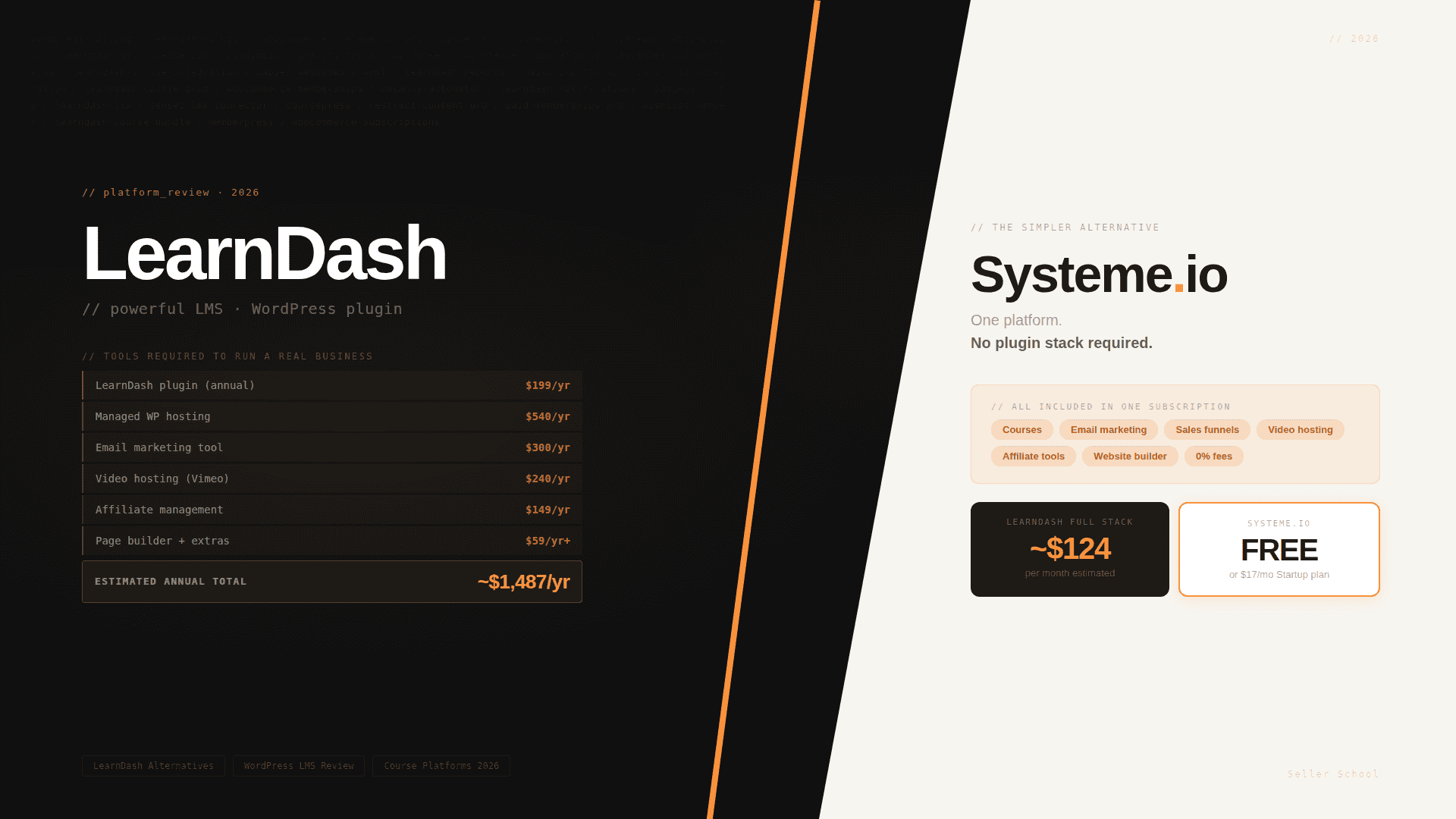
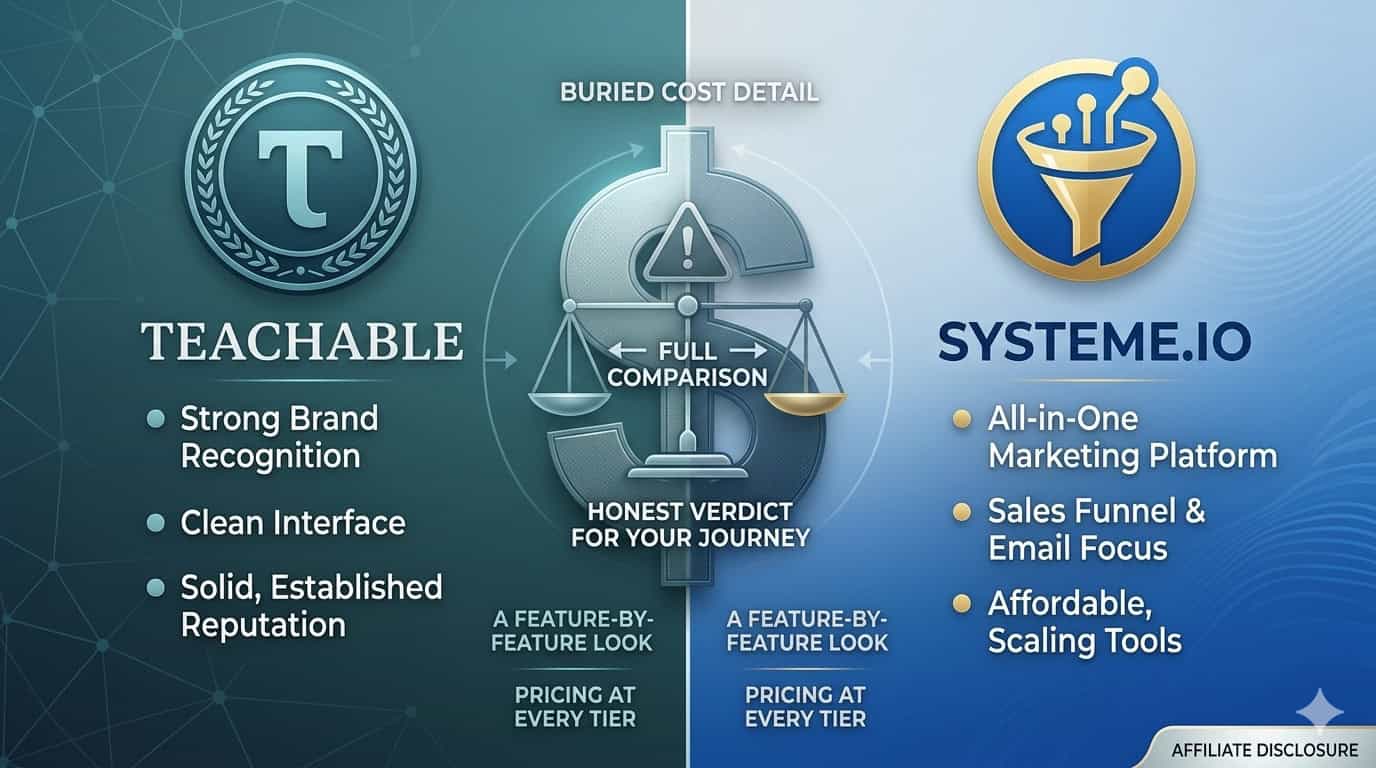
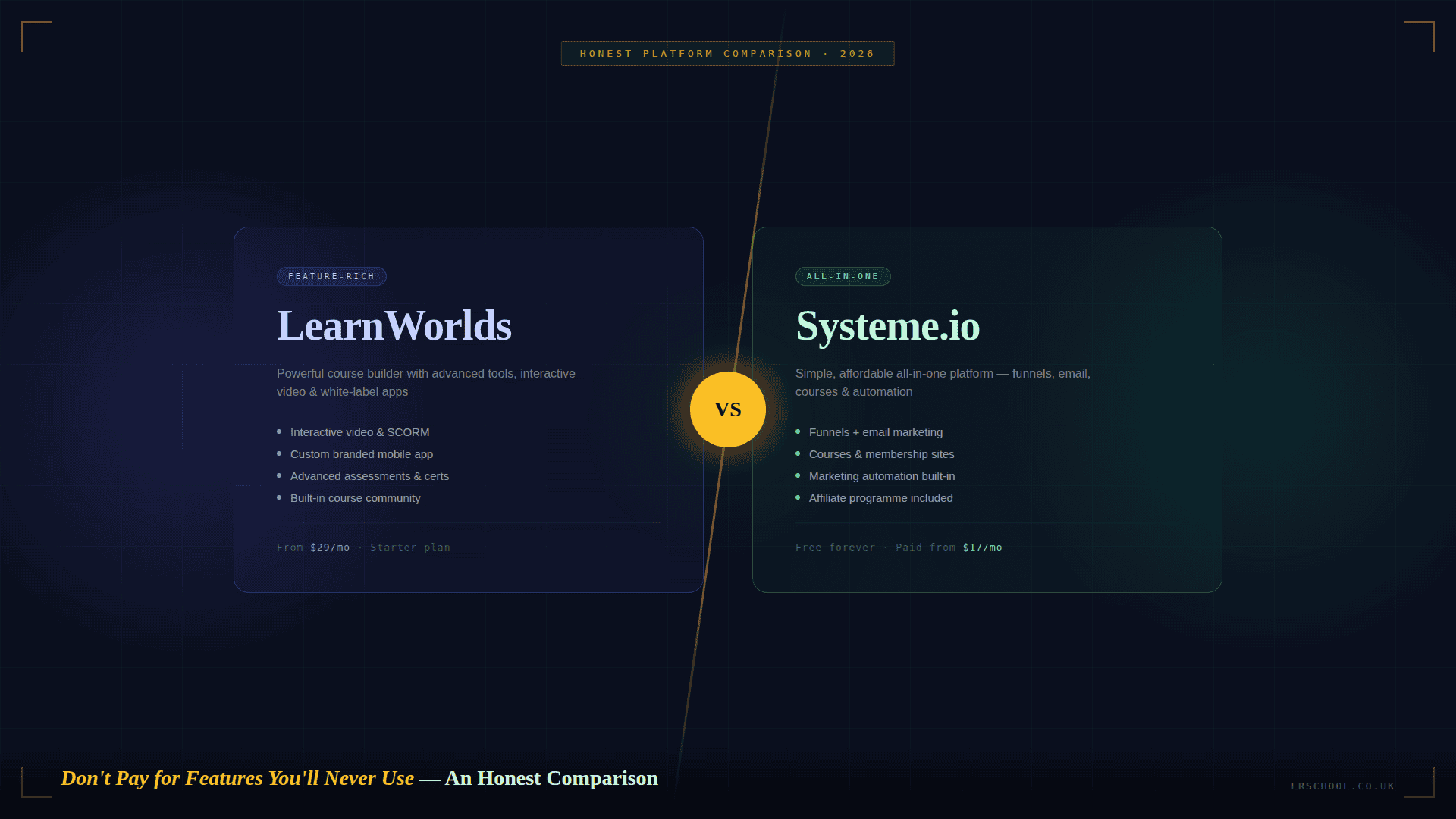
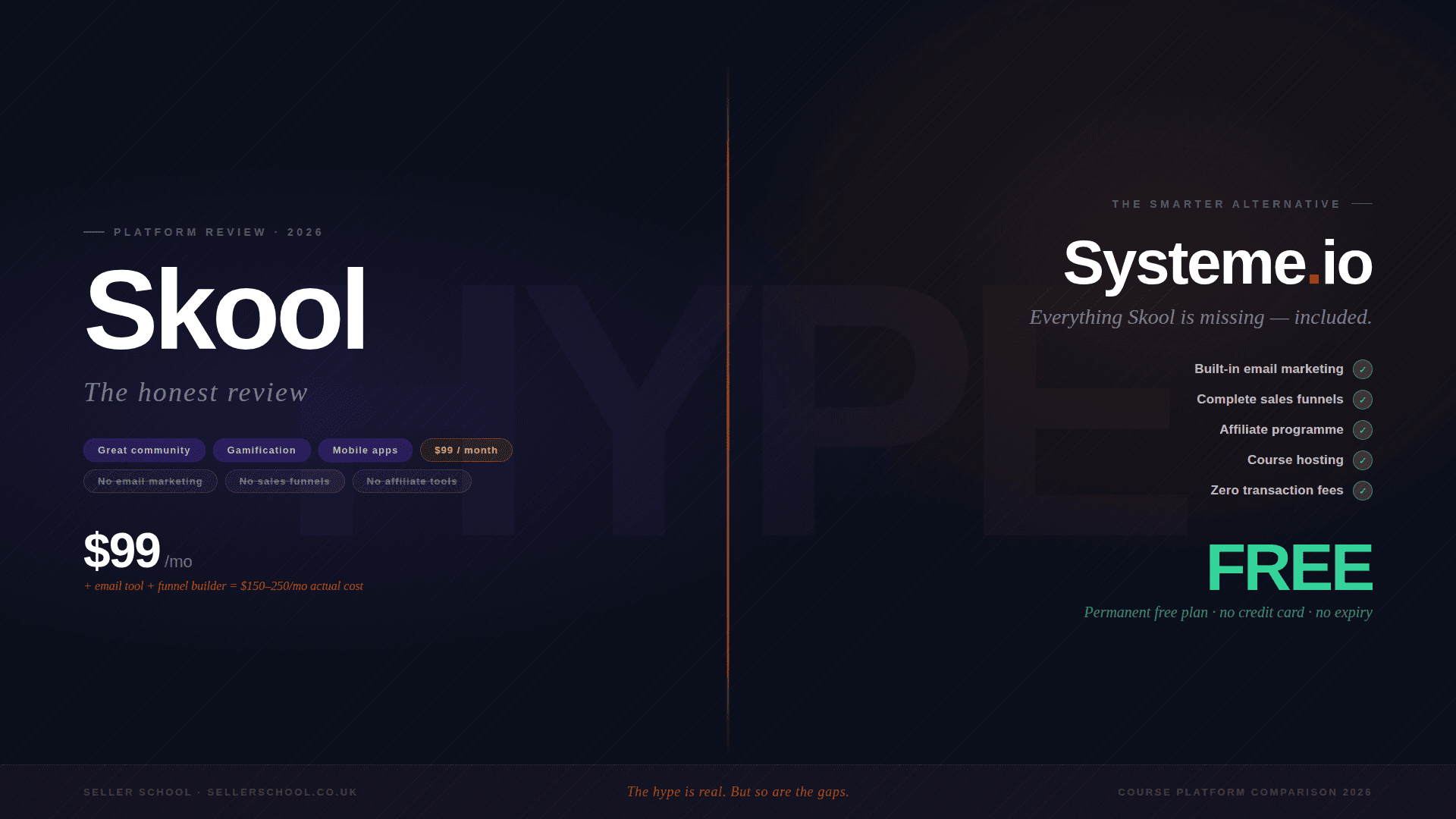
Systeme.io is an all-in-one platform built specifically for course creators and online coaches. Under one roof — and on one subscription — you get a course builder, a sales funnel builder, email marketing, payment processing, and automation tools.
That means no separate landing page builder. No separate email marketing platform. No separate checkout tool. No Zapier workflows trying to get everything talking to each other. One login, one monthly cost, everything connected by default.
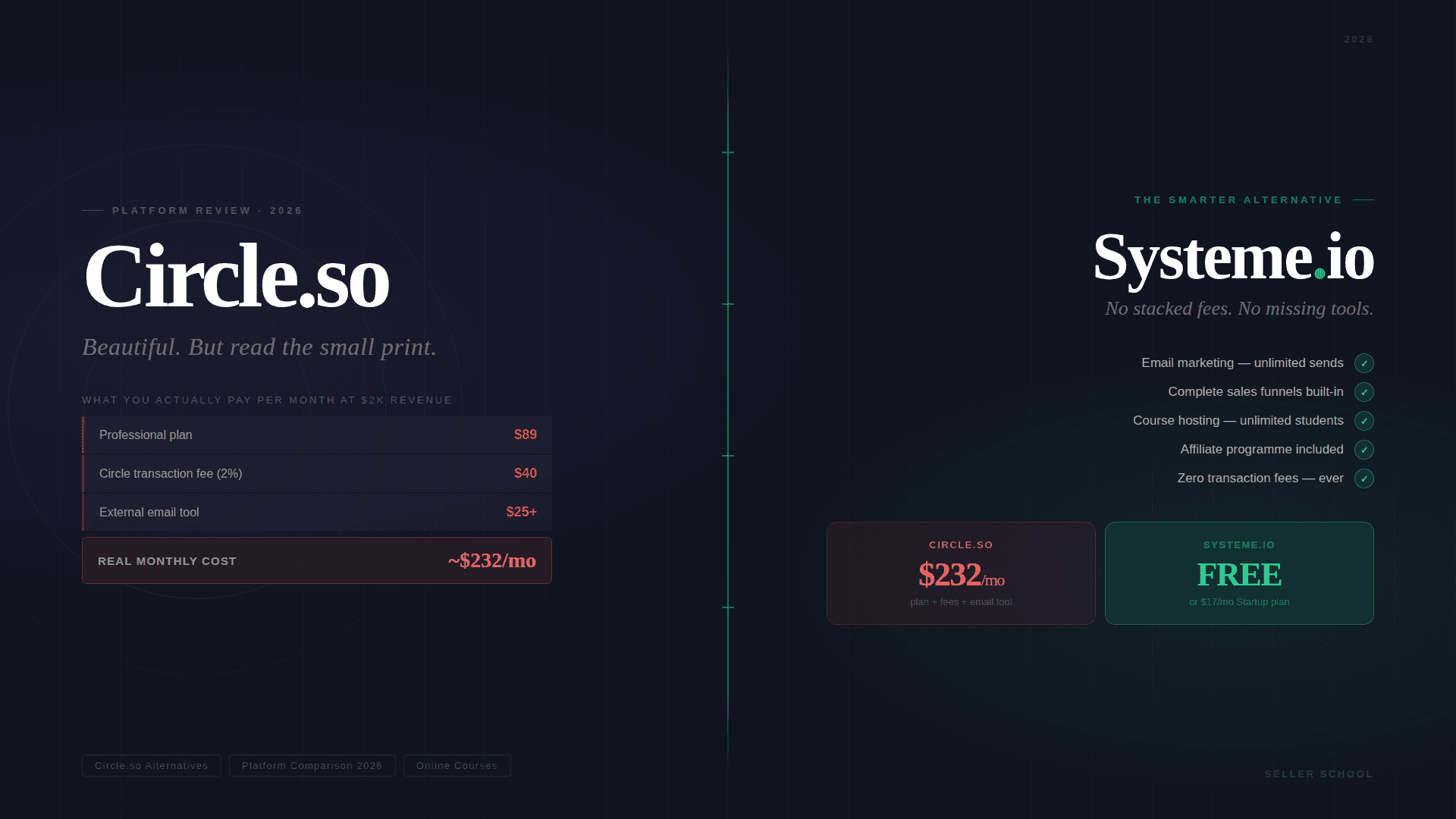
The free plan — which requires no credit card — includes one course with unlimited students, three sales funnels, email marketing for up to 2,000 contacts with unlimited sends, and one automation rule. There are no transaction fees on any plan, including free.
For a first course launch, that is everything you need.
The first paid tier — Startup at around £13 a month — gives you five courses, ten funnels, and 5,000 contacts. The Webinar plan at around £35 a month, which is what we're on at Seller School, adds webinar functionality, fifty courses, and 10,000 contacts. The upgrade path is gradual and proportionate — you move up as your revenue grows, not before.
How to get started
Create a free account using the link below, set up your course structure, connect a Stripe or PayPal account for payments, and build a simple sales funnel with a sales page and checkout.
If you want a full step-by-step walkthrough of building your entire course infrastructure on Systeme.io from scratch — course, funnel, checkout, and welcome email — we've covered it in detail here:
[INTERNAL LINK: How to Set Up Systeme.io Step by Step — link to Week 4 blog post]
Tool 3: Something to Communicate With Your Students
The third tool is the simplest — because if you're using Systeme.io, you already have it.
Systeme.io includes email marketing across all plans, including the free plan. You can build your list, send broadcast emails to your entire audience, create automated email sequences, and tag contacts based on their behaviour — all within the same platform you're using to host and sell your course.
When someone buys your course, Systeme.io can automatically add them to an email sequence, send them a welcome email, and give them access to the course content — all without you doing anything manually. That automation is set up once and runs every time, for every student.
You do not need a separate email service provider to start. As your business grows and your needs become more sophisticated — more complex segmentation, more advanced automation, integration with other tools — you may choose to add a dedicated email platform. But at the beginning, the email tools inside Systeme.io are more than sufficient.
One platform. One login. Course hosting, sales funnels, email marketing, and automation — all connected, all included.
What You Don't Need Yet
Given how much content exists online about course creation tools, it's worth being explicit about the things you do not need before your first launch.
A separate landing page builder. Systeme.io builds your pages. You do not need Leadpages, ClickFunnels, Unbounce, or anything similar.
A dedicated membership site plugin. Your course platform is your membership site. They are the same thing.
A separate CRM. Your email list is your CRM at this stage. You don't need HubSpot or Salesforce to manage a list of students and prospects.
A social media scheduling tool. Useful later, once you have a content rhythm established. Not now. Post manually to begin with — it forces you to stay close to what you're publishing and why.
A podcast platform. A brilliant addition once your course is established and you're building an audience. Not a prerequisite for launching.
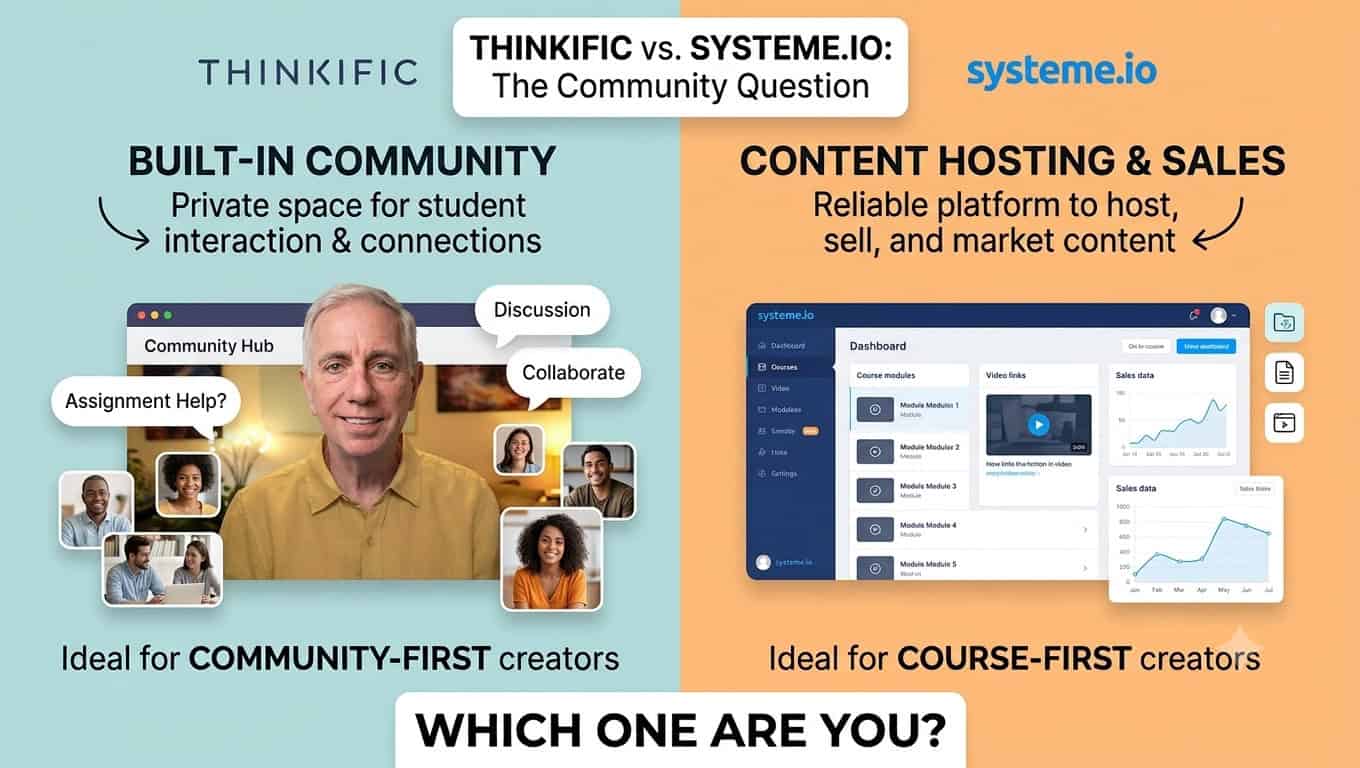
A community platform. Valuable when you have students to put in it. Premature before you have students.
A webinar tool. Relevant when webinars are part of your delivery or marketing model. Systeme.io includes webinars on the Webinar plan when you get there.
None of these are bad tools. Many of them are excellent. But every tool you add before you launch is another thing to learn, another monthly fee, and another potential reason to delay. Add tools when the absence of them is costing you real students or real revenue — not because someone in a Facebook group mentioned them.
The Total Cost of This Stack
Let's put real numbers on this, because clarity here matters.
The free starting point
Phone camera plus natural window light plus wired earphone microphone plus Systeme.io free plan plus QuickTime for screen recording.
Total monthly cost: £0.
This is a legitimate starting point. It is not a compromise that will embarrass you. It will produce course content that is watchable, audible, and valuable — which is what matters.
The recommended beginner upgrade
Shure MV7 microphone — approximately £220, one-time. Godox SL60IIBi light — approximately £100, one-time. Godox Octagon Softbox — approximately £60, one-time. Systeme.io free plan — £0 per month.
Total one-time hardware cost: approximately £380. Total monthly software cost: £0.
This setup produces genuinely professional-looking and sounding content. The hardware cost is a one-time investment. There is no ongoing monthly commitment until your course revenue justifies upgrading your Systeme.io plan.
The established creator setup
Sony ZV-e10 camera — approximately £550, one-time. Sigma 16mm f/1.4 lens — approximately £320, one-time. Elgato Cam Link 4K capture card — approximately £120, one-time. Rode Procaster microphone — approximately £100, one-time. Rode PSA1+ studio arm — approximately £100, one-time. Godox SL60IIBi light and softbox — approximately £160, one-time. Systeme.io Webinar plan — approximately £35 per month. Final Cut Pro — approximately £299, one-time.
Total one-time hardware and software cost: approximately £1,749. Total monthly cost: approximately £35.
This is the setup we use at Seller School. It produces broadcast-quality content and is built to handle high-volume production. It is not where you need to start — but it's a useful picture of where a committed course creator's setup can realistically end up.
Full details of every item in our kit list are available here: https://paulmci.com/resources-and-recommended-kit/
When to Add More Tools
Simple is the starting point, not the destination.
As your course business grows, there will come a point where additional tools genuinely solve real problems. A more sophisticated email platform when your segmentation needs outgrow Systeme.io's built-in tools. A dedicated community platform when you have enough students to make one worthwhile. Better analytics when you're optimising an established course rather than building a first one.
The rule we'd give you is this: only add a new tool when the absence of it is demonstrably costing you students or revenue. Not when you think it might be useful one day. Not when someone recommends it in a forum. When there is a specific, real gap that a specific tool will close.
Until that gap exists, keep it simple. Every week you spend learning a new tool is a week you're not spending on your course content, your marketing, or your students.
The Summary
Three tools. That's genuinely all you need to launch an online course in 2026.
Something to record with — your phone, or a dedicated camera and microphone when you're ready to invest.
Something to host and sell your course — Systeme.io, on the free plan, until your revenue justifies upgrading.
Something to communicate with your students — which Systeme.io already includes.
Everything else can wait.
👉 Create your free Systeme.io account here: https://iosysteme.com
👉 See the full Seller School kit list: https://sellerschool.co.uk/recommended-kit-list
Further Reading on Seller School
- Systeme.io Free Plan — Everything You Actually Get
- How to Set Up Systeme.io Step by Step: Coming 17th June 2026
- Kajabi vs Systeme.io 2026 — Full Cost Comparison
Disclosure: The Systeme.io link in this post is an affiliate link. If you sign up, we earn a small commission at no extra cost to you. Amazon and kit links are also affiliate links. We only recommend tools we use ourselves.