




If you’ve been thinking about launching an online course for more than a month without actually starting — this post is for you.
Not in a vague, motivational-poster kind of way. Specifically, practically, concretely for you.
Because here’s what I’ve seen again and again with course creation: the gap between people who think about launching a course and people who actually launch one has almost nothing to do with knowledge, experience, or the quality of the idea. It has almost everything to do with what happens in the space between deciding to start and doing the first uncomfortable thing.
That space is where most courses go to die. Not because the idea wasn’t good enough. Not because the creator wasn’t capable enough. But because the process felt too big, too uncertain, and too exposed — and because nobody gave them a concrete plan with a concrete deadline.
This post is that plan.
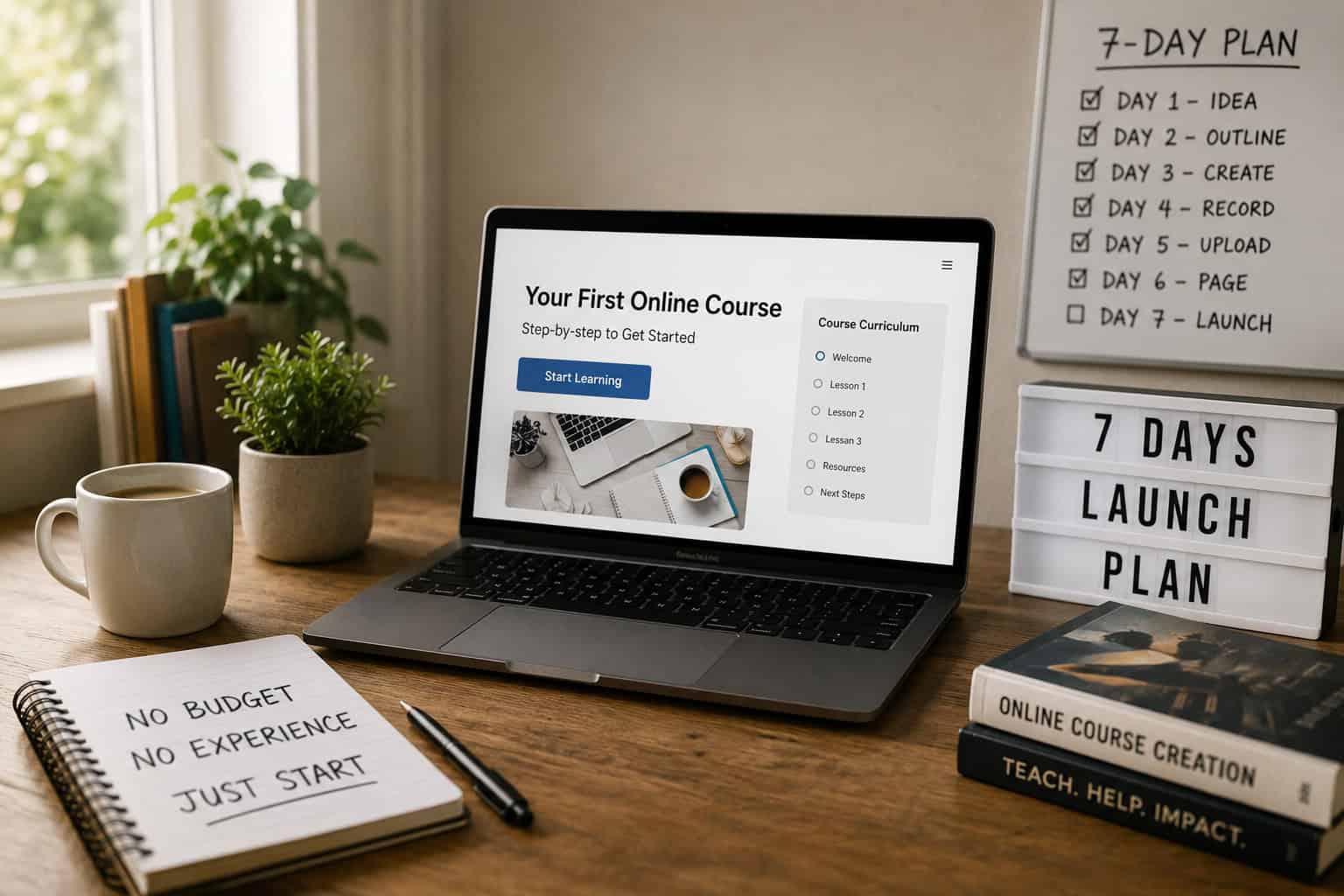
Seven days. A specific task for each one. A platform that costs nothing to start. And at the end of it, a real course that exists in the world — one that someone can buy, that solves a specific problem, and that gives you something to learn from and build on.
Version one. Not version ten. Version one’s job is to exist. You can improve a thing that exists. You cannot improve a thing that’s still in your head.
If you’d rather watch than read, the full video walkthrough is embedded below.
[EMBED: Week 6 YouTube video]
Before the Plan: Why People Don’t Launch
We’re going to spend a little time on this before we get to the day-by-day plan. Not to dwell on the problem — but because if we don’t name the real reasons people don’t launch, the plan won’t stick.
It’s not usually the tech
The tech is almost never the real reason. It feels like the reason — there are a lot of decisions to make and a lot of unfamiliar platforms to navigate — but the tech is solvable. We’ve covered the simplest possible setup in detail elsewhere on this site, and the short version is: one platform, a phone or a basic camera, and a decent microphone. That’s it.
[INTERNAL LINK: The Simplest Tech Stack for New Course Creators — link to Week 3 blog post]
If you’ve been telling yourself the tech is the issue, we want to gently challenge that. Is it really the tech? Or is the tech a comfortable place to stay while you avoid the more vulnerable part of this?
It’s not usually the idea
Most people who want to create a course have a legitimate area of knowledge or expertise that other people would pay to access. The worry that the idea isn’t original enough, or that someone else is already doing it better, is real — but it’s not disqualifying.
There is almost no topic without existing courses on it. And yet new courses on existing topics launch every day and find students every day. Because students don’t just buy a topic — they buy a teacher, a perspective, a way of explaining things, a community, a level of support. Those things are unique to you even if the subject matter isn’t.
It’s usually this
The real reasons people don’t launch are quieter than the stated ones.
The fear that nobody will buy it — and what that might mean about you, your expertise, your worth. The perfectionism that shows up as preparation — the endless tweaking of an outline that doesn’t need tweaking, the course name that needs to be exactly right, the sales page that isn’t quite ready. The sense that you need more time, more knowledge, more credibility before you can reasonably put something out into the world.
These feelings are real. They are also almost universal among people who build things and put them in front of other people. The difference between the people who launch and the people who don’t isn’t the absence of those feelings. It’s the decision to act anyway.
The plan that follows is designed to give you enough momentum that the fear doesn’t have time to talk you out of it. Let’s use it.
The 7-Day Launch Plan
Day 1: Your Idea and Your Person
Day one has one job: get specific.
The most common mistake at this stage is choosing a topic rather than an outcome. “Social media marketing” is a topic. “How to get your first ten coaching clients through Instagram without spending money on ads” is an outcome. The second one is a course. The first one is a subject area that could contain hundreds of courses.
To get specific, complete this sentence:
“I help [specific person] to [specific outcome] without [specific obstacle].”
The specific person is your student. Not “entrepreneurs” — that’s too broad. Think about the person you can help most. Their situation, their experience level, their goal, their frustration.
The specific outcome is the result they get from your course. Make it concrete and measurable where possible. “Lose the first stone” is more compelling than “get healthier.” “Land their first freelance client” is more compelling than “grow their business.”
The specific obstacle is the thing they think is stopping them — the excuse or the fear that your course helps them overcome. “Without needing a big following,” “without leaving their job,” “without any prior experience.” Naming the obstacle makes your course feel specifically designed for them rather than generically useful to everyone.
Write that sentence. It might take an hour of thinking and crossing out and trying again. That hour is the most valuable work you’ll do this week. Everything else — the modules, the lessons, the sales page — comes from that sentence.
Don’t move to Day 2 until you have it and you believe it.
Also on Day 1: decide your price.
This is not a decision that requires extensive research. A first course from a new creator typically sits between £97 and £297. Courses that solve a specific, high-value professional problem can command more. Courses aimed at a broader general audience often sit at the lower end.
Pick a number in that range that you could defend if someone asked you why it costs that. Write it down. Don’t revisit it this week — price anxiety is one of the most reliable ways to lose a week of momentum to something that will become obvious once you’ve had your first conversations with potential students.
Day 2: Your Course Outline
Day two is about structure. Not content — structure.
Open a Google Doc, a Notion page, or a piece of paper. At the top, write your sentence from Day 1. Everything you put below it should serve that sentence directly.
Write down the main things someone needs to know or do to get from where they are now to the outcome you promised. These become your modules. Aim for four to six modules. More than that and you’re probably trying to put two courses into one. Fewer than four and you may not have enough substance to justify the price point.
Under each module, write three to five lessons. A lesson covers one idea, one skill, or one step. One. Not three things that kind of relate to each other — one specific, actionable thing. If you find yourself writing a lesson that covers multiple ideas, split it into multiple lessons. Students navigate shorter, specific lessons more easily than long, dense ones. They also feel a stronger sense of progress when they complete several short lessons rather than one long one.
By the end of Day 2 you should have:
- A complete outline with four to six modules
- Three to five lessons per module
- Between fifteen and thirty lessons in total
- A clear sense of the logical progression from the first lesson to the last
That outline is your course. Every lesson you record for the rest of the week comes directly from that document.
A note on scope: if your outline is running to forty lessons across eight modules, your course is too big. Either narrow the topic, raise the price to match the scope, or split it into two courses — a foundation course and an advanced course — and launch the foundation first.
Day 3: Record
Day three is where the anxiety tends to peak. You’re going to record your course. Not all of it — that’s an ambitious ask for one day. But you’re going to record your first module and break the seal.
Here is our honest advice on setup, because this is where most people get stuck.
Use what you have. A smartphone made in the last three or four years shoots video that is more than adequate for an online course. Prop it up at eye level — a stack of books works if you don’t have a tripod — position yourself facing a window for natural light, and plug in a pair of wired earphones to use as a microphone. That setup costs nothing and produces results that are entirely watchable.
If you want to invest in one thing, invest in audio. The Shure MV7+ is our recommendation — it plugs straight into your computer via USB-C, requires no additional equipment, and produces genuinely excellent audio quality for around £255. (The original MV7 still turns up for around £200 and is just as good for voice if you can find one.) Either way it’s a one-time cost that will still be serving you years from now.
For screen recording — tutorials, walkthroughs, anything where you’re showing your screen — QuickTime on a Mac records your screen for free. On Windows, the Xbox Game Bar does the same. Both work.
Full kit recommendations are here: https://sellerschool.co.uk/recommended-kit-list/
Now — the most important advice about recording:
Record one lesson, watch it back, make any necessary adjustments, and record the next one. Do not try to record everything in one marathon session on Day 3. Record your first module — three to five lessons — and stop. You’ll feel the difference between lesson one and lesson five. By lesson ten you’ll be considerably more comfortable on camera than you were at the start. The learning curve is real and it’s quick.
Do not spend Day 3 setting up the perfect background, researching microphone arms, choosing fonts for your lower thirds, or doing anything other than recording. That is procrastination wearing the costume of preparation. Record first. Optimise later.
Day 4: Build Your Course on Systeme.io
Day four is where the course becomes a real thing on a real platform.
We cover the complete Systeme.io setup in step-by-step detail in a separate guide — if you haven’t read it yet, it’s worth doing before you start today:
[INTERNAL LINK: How to Set Up Systeme.io Step by Step — link to Week 4 blog post]
The short version for Day 4:
Log in to your Systeme.io account — or create a free one using the link at the bottom of this post. Go to Assets, then Courses, and create a new course. Build out your module and lesson structure from the outline you completed on Day 2.
For the lessons you recorded yesterday, embed the video content from YouTube — set the videos to Unlisted so they’re accessible via the embed but not discoverable in search — or embed from Vimeo if you prefer to keep them off YouTube entirely at this stage.
For the lessons you haven’t recorded yet, create the lesson structure with a title and a note. You’ll add the content as you record it over the coming days.
The goal for Day 4 is a course that exists on the platform — with a real URL, a real structure, and at least some real content. Not a complete course. A real, tangible, in-progress thing.
That shift from idea to object is more psychologically significant than it sounds. Something that exists on a platform with a URL is considerably harder to abandon than something that exists only in a Google Doc.
Day 5: Build Your Sales Page and Checkout
Day five is where you build the page that sells your course and the system that takes payment.
Again — the full technical walkthrough is in our Systeme.io setup guide. Today we want to focus on what your sales page needs to say, because the copy is where most people either get stuck or settle for something generic.
Your sales page needs five things. Not twenty. Five.
One: A headline that names the outcome. Not your course title — the result your student gets. What will they be able to do, feel, or achieve after completing your course? Write that. Make it specific. Make it about them, not about you.
Two: A short paragraph about who this is for. Be specific enough that the right person reads it and thinks — that’s me. “This course is for self-employed consultants who are getting inconsistent enquiries and want a repeatable system for finding clients” is more compelling than “this course is for anyone who wants to grow their business.”
Three: What’s included. Module by module, in plain language. For each module, write one sentence that describes what students will be able to do after completing it. Benefits, not features. What they gain, not what they receive.
Four: About you. Two or three sentences. Relevant experience. Relevant results. Not a full biography — just enough to answer the question: why should I learn this from you specifically?
Five: The price and a clear buy button. The button text matters — “Get Instant Access” or “Join the Course Today” creates more momentum than “Buy Now” or simply “Checkout.”
Connect your checkout to Stripe or PayPal and set your price. Then test the whole flow before you finish for the day. The cleanest way is to switch Stripe into test mode and use its test card — card number 4242 4242 4242 4242, any future expiry date, any CVC — which lets you run a complete purchase without real money changing hands. (If you’d rather test in live mode, make a real purchase with your own card and refund yourself straight afterwards.) Either way, confirm that the payment goes through, course access is granted automatically, and the thank you page displays correctly.
By the end of Day 5, someone who landed on your sales page could read it, click the button, pay, and gain access to your course. That is the milestone for today.
Day 6: Your Welcome Email and Ten Personal Messages
Two tasks on Day 6.
Task one: your welcome email.
In Systeme.io, set up an automated email that’s triggered the moment someone buys your course. You do this with an automation rule: set the trigger to the purchase of your course, and the action to sending your welcome email.
The welcome email has one job: make your new student feel good about the decision they just made and tell them exactly what to do next.
Welcome them warmly — not with corporate language, but genuinely. Like you’re actually pleased they’ve joined, because you should be. Give them a direct link to access the course content. Tell them what to expect — roughly how long the course is, how the content is structured, what they should do first. And let them know you’re available if they have questions.
Two hundred words is enough. Three hundred is plenty. Do not use the welcome email to deliver course content, upsell another product, or apologise for anything not being finished yet. One job: get them in the door feeling welcome.
Task two: tell ten people.
Not on social media. Not with a launch post. Not in a Facebook group.
Ten specific people, individually, personally. A direct message or a personal email to ten people you know who fit the description of your ideal student.
Not a copy-paste. A message that is written to that specific person, that references something specific about them or your relationship, and that says something like: I’ve built something I think might be genuinely useful for you. Here’s what it does. Here’s the link. I’d love to know what you think.
This is the most uncomfortable task in the seven-day plan. That discomfort is not a signal to avoid it — it’s a signal that it’s the right thing to do.
Your first customer almost certainly already knows you. They are not going to find you through a YouTube algorithm or a Google search in week one. They are going to hear about your course because you told them about it personally and they trusted you enough to give it a go.
Ten people. Today. Individually. Do it before you go to bed.
Day 7: Record More, Reflect, and Plan What Comes Next
Day seven is a slower day — but not a rest day.
In the morning: record any remaining lessons you haven’t finished yet. The goal by the end of this week is a course that is complete enough that a paying student could go through it and get genuine value. It doesn’t need to be perfect. It needs to be honest and useful.
In the afternoon: reflect. Write down the answers to three questions.
What was harder than you expected this week? Not to dwell on it — to learn from it. The things that slowed you down are your first pieces of intelligence about what to do differently in the next course.
What was easier than you expected? There will be something. Most people find that at least one part of this process — recording, or writing, or building the tech — came more naturally than they feared. That’s information about where your strengths are.
What would you do differently if you started again tomorrow? Because you are going to do this again — a second course, an updated version of this one, a different format. Capture the lessons now, while they’re fresh, and the next launch is easier than this one.
Then check your responses. Go back to the ten personal messages you sent on Day 6. Did anyone respond? Did anyone ask questions? Did anyone buy?
If yes — you’ve done something most people only talk about doing. Go through the student experience yourself, check everything works, and send your first student a personal note.
If not — that’s data, not failure. It tells you something about your audience, your messaging, or your offer that you can refine. Reply to the people who didn’t buy and ask them what held them back. Their answers are more valuable than any marketing course you could take right now.
The Most Important Thing
Most people who read a post like this will not follow the plan.
Not because they can’t. Not because the plan is wrong for them. But because something will come up on Day 2 or Day 3 that feels like a good reason to slow down. An unanswered technical question. A moment of doubt. A voice that says — maybe this isn’t quite ready yet.
That moment will come. We’re telling you now so you’re not surprised by it when it does.
Every course creator who has built something real has had that moment. The ones who launched anyway are not more talented than you. They are not more knowledgeable or more credible or more deserving of students. They decided that a version one that exists is worth more than a version ten that’s still in their head.
Decide that. Follow the plan. Seven days from now, you’ll have something real.
Frequently Asked Questions
Do I need to have the whole course recorded before I launch?
No. Many successful courses launch with the first two or three modules complete and release the rest on a schedule. If you do this, be transparent about it on your sales page — tell students what’s available now and when the remaining content will be released. Students are generally comfortable with this if the expectation is set clearly upfront.
What if nobody buys?
Then you have your first piece of market research. Ask the people you messaged what held them back. Ask whether the outcome resonated. Ask whether the price felt right. The answers will tell you whether you need to adjust the topic, the framing, the price, or the audience — and they’ll give you the material for your next iteration. Nobody buying is significantly more useful than never launching.
What price should I charge?
For a first course, aim between £97 and £297. The specific number matters less than the decision to name one and stick with it for at least the first launch. You can adjust pricing on subsequent launches based on what you learn from this one.
How do I get more people to see the course after the first ten?
That’s the next layer of the work — and a topic we cover across several posts on Seller School. The short answer: consistent content that demonstrates your expertise, a growing email list, and a clear referral or affiliate structure for students who’ve gone through the course and got results.
What platform should I use?
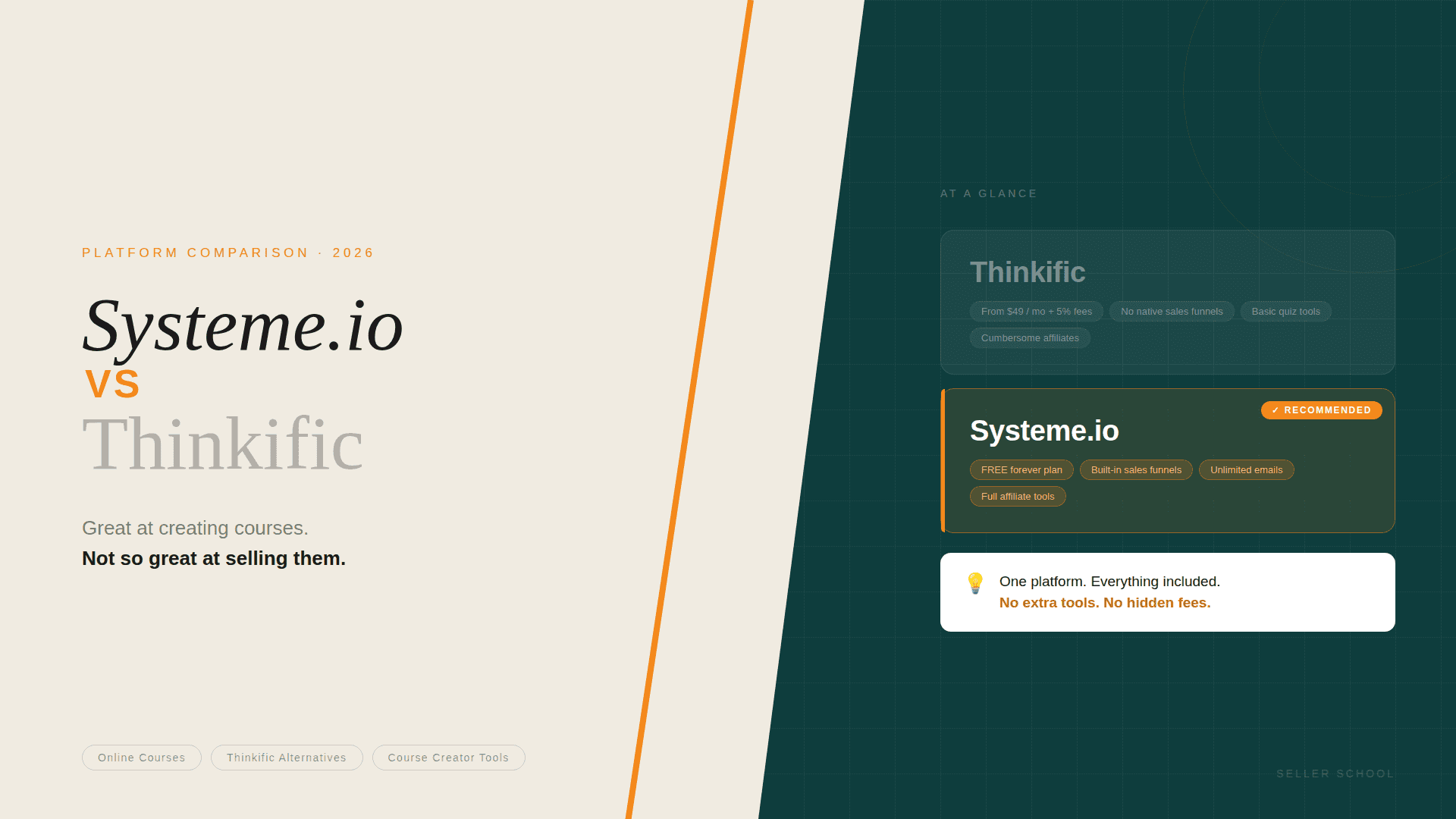
We recommend Systeme.io. Free to start, no transaction fees on any plan, everything you need in one place. The full setup guide is here:
[INTERNAL LINK: How to Set Up Systeme.io Step by Step — link to Week 4 blog post]
The Summary
Seven days. One course. Here’s the plan at a glance:
- Day 1: Write your one-sentence course positioning statement. Set your price.
- Day 2: Build your full course outline — modules and lessons.
- Day 3: Record your first module. Break the seal.
- Day 4: Build your course structure on Systeme.io.
- Day 5: Build your sales page and checkout. Test everything.
- Day 6: Write your welcome email. Message ten people personally.
- Day 7: Record remaining content. Reflect. Check responses. Plan next steps.
That’s it.
👉 [Create your free Systeme.io account here: https://iosysteme.com]
Further Reading on Seller School
- [INTERNAL LINK: The Simplest Tech Stack for New Course Creators — link to Week 3 blog post]
- [INTERNAL LINK: How to Set Up Systeme.io Step by Step — link to Week 4 blog post]
- [INTERNAL LINK: Systeme.io Free Plan — Everything You Actually Get — link to Week 1 blog post]
- Why I Use Systeme.io — And What I’d Do Differently — publishing in Week 8; add the internal link once it’s live (don’t ship a dead link).
Disclosure: The Systeme.io link in this post is an affiliate link. If you sign up, we earn a small commission at no extra cost to you. We only recommend tools we use ourselves.