
LearnDash has earned its reputation as one of the most capable learning management systems built for WordPress. If you want quiz logic with branching paths, sophisticated prerequisite structures, cohort management, detailed gradebooks, or SCORM-adjacent content — LearnDash delivers at a level few competitors match. Universities, corporate training departments, and large educational businesses use it for a reason.
But here's the thing that LearnDash's marketing doesn't lead with, and that many course creators discover only after they've committed: LearnDash is a plugin. A WordPress plugin. It does one thing — organise and deliver course content. Everything else a real course business needs — taking payments properly, building a sales funnel, managing an email list, running affiliates, hosting videos, creating landing pages — requires a separate tool. And those separate tools add up fast.
One experienced course creator who has built on Teachable, Kartra, Thinkific, and other platforms describes the LearnDash experience bluntly:
'It's absolute hell duct-taping a course business together with ten integrations. I know, because I've tried it.'
That's the honest starting point for this review. LearnDash is technically impressive. For a beginner or intermediate course creator who wants to launch their first course, generate income, and not become a part-time WordPress administrator in the process — it is very probably the wrong tool.
I've spent years using and paying for course platforms, making the expensive mistakes so you don't have to. This review will give you the full picture, and introduce you to a platform that gives most creators everything they actually need — from a genuinely free account.
What Is LearnDash and Who Is It Actually Built For?
LearnDash was founded in 2012 and has grown into the most widely used WordPress LMS plugin, powering over 100,000 websites. It's used by a genuinely impressive range of organisations: universities, Fortune 500 companies, professional training bodies, and established online educators.
The platform's strength lies in its depth of learning management features: advanced quiz types (multiple choice, sorting, matching, essay, fill-in-the-blank), assignment submission with instructor feedback, gamification with badges and points, certificates, drip content, group management, and detailed progress tracking. If you're building a structured, credential-bearing educational programme — the kind an organisation might use to train employees or students at scale — LearnDash is a genuinely serious tool.
The challenge is that this power sits entirely within WordPress. LearnDash has no payment processing beyond a basic Stripe and PayPal integration. No email marketing. No sales funnels or landing pages. No affiliate management. No website builder. No community tools. No video hosting. Each of these requires a separate plugin or subscription service, and the combination of those additional costs and the technical complexity of making them work together is the platform's fundamental limitation for solo course creators.
What LearnDash Actually Costs in 2026
LearnDash's pricing appears straightforward on the surface but expands significantly once you account for everything a functional course business requires.
The Core Plugin
- Single-site licence — $199/year: All core LearnDash features on one WordPress installation.
- 10-site licence — $399/year: Same features across up to ten sites.
- Unlimited licence — $799/year: For agencies or developers managing many installations.
No monthly billing option is available for the plugin — it's an annual commitment paid upfront. If you let your licence lapse, you keep the plugin but lose access to updates and support. Given that WordPress updates frequently and outdated plugins are a significant security and compatibility risk, this is a more serious limitation than it first appears.
LearnDash Cloud (StellarSites)
Recognising that the plugin-only model creates a high barrier to entry, LearnDash introduced a hosted cloud option (now called StellarSites Learning) that includes WordPress hosting, management, security, and the LearnDash plugin pre-installed:
- Starter — $29/month (annual billing): Basic hosted setup with LearnDash included.
- Growth and higher tiers: Up to $99/month, adding features like gradebook, notes, group management, and enhanced analytics.
The cloud option reduces the WordPress management burden but doesn't eliminate the need for additional tools for marketing, email, and funnels.
The Real Cost: What You Still Need to Add
This is where the calculation becomes critical. To run a functional course business on LearnDash, most creators also need:
- WordPress hosting (if using the plugin): $25–$75/month for managed hosting capable of handling LMS-level database load.
- Domain name: $10–$20/year.
- Email marketing tool: ConvertKit, Mailchimp, or similar — $25–$79/month for a working list.
- Page builder for sales pages: Elementor Pro ($59/year) or similar.
- Video hosting: Vimeo ($20–$60/month) or Wistia — LearnDash doesn't host video natively.
- WooCommerce or payment gateway configuration: Free base plugin but often requiring paid extensions for subscriptions, memberships, or complex checkout flows.
- Affiliate management: AffiliateWP or similar — $149/year and above.
- SSL certificate and security plugins: $0–$100/year depending on host.
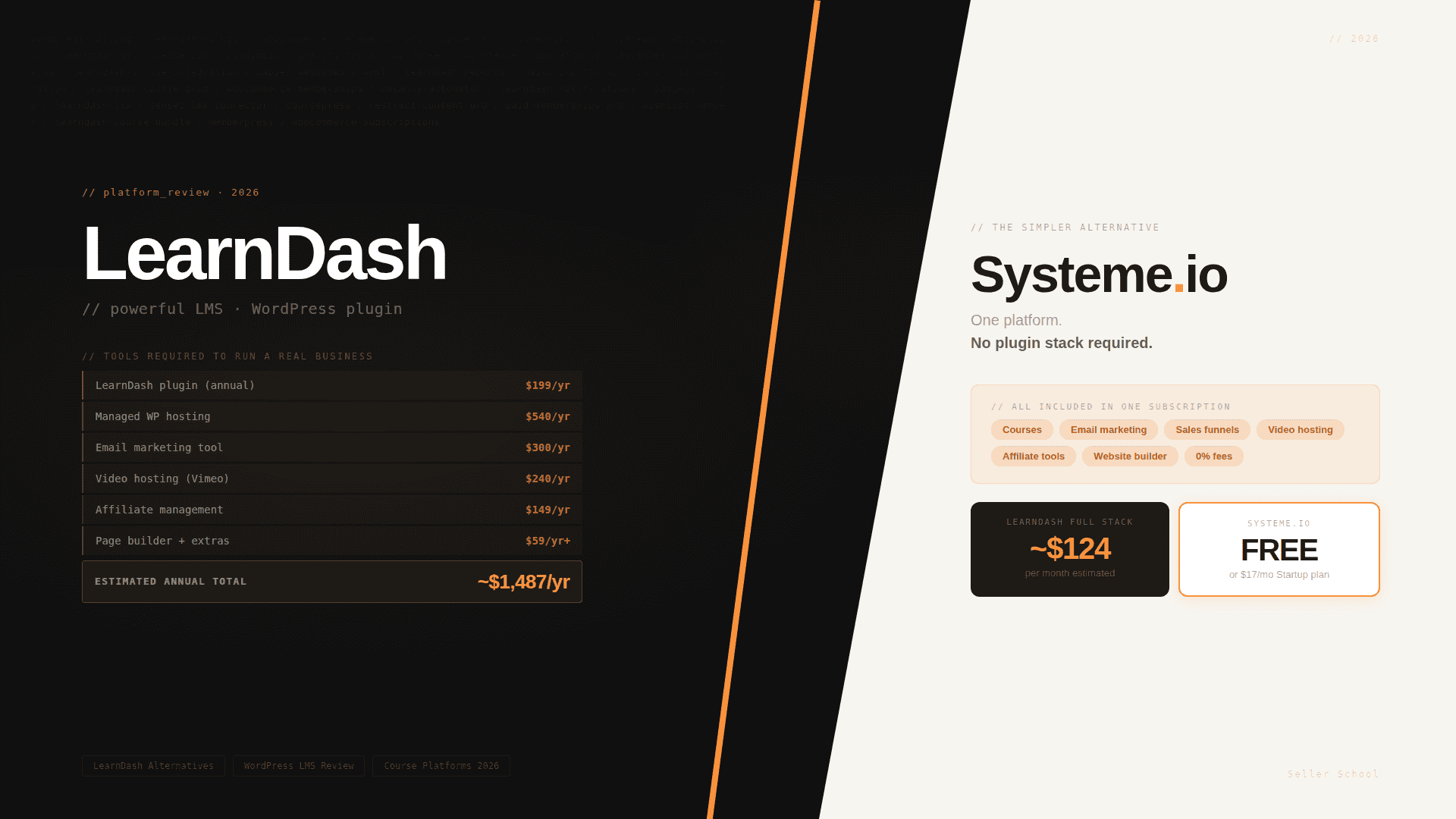
A realistic annual total for a solo course creator using the LearnDash plugin: $199 (LearnDash) + $540 (hosting) + $300 (email tool) + $59 (page builder) + $240 (Vimeo) + $149 (affiliates) = approximately $1,487 per year — around $124/month — before you've spent a penny on marketing or content creation.
The StellarSites cloud option removes the hosting cost but adds its own subscription fee and still requires email marketing, video hosting, and affiliate tools. The total cost picture doesn't change dramatically.
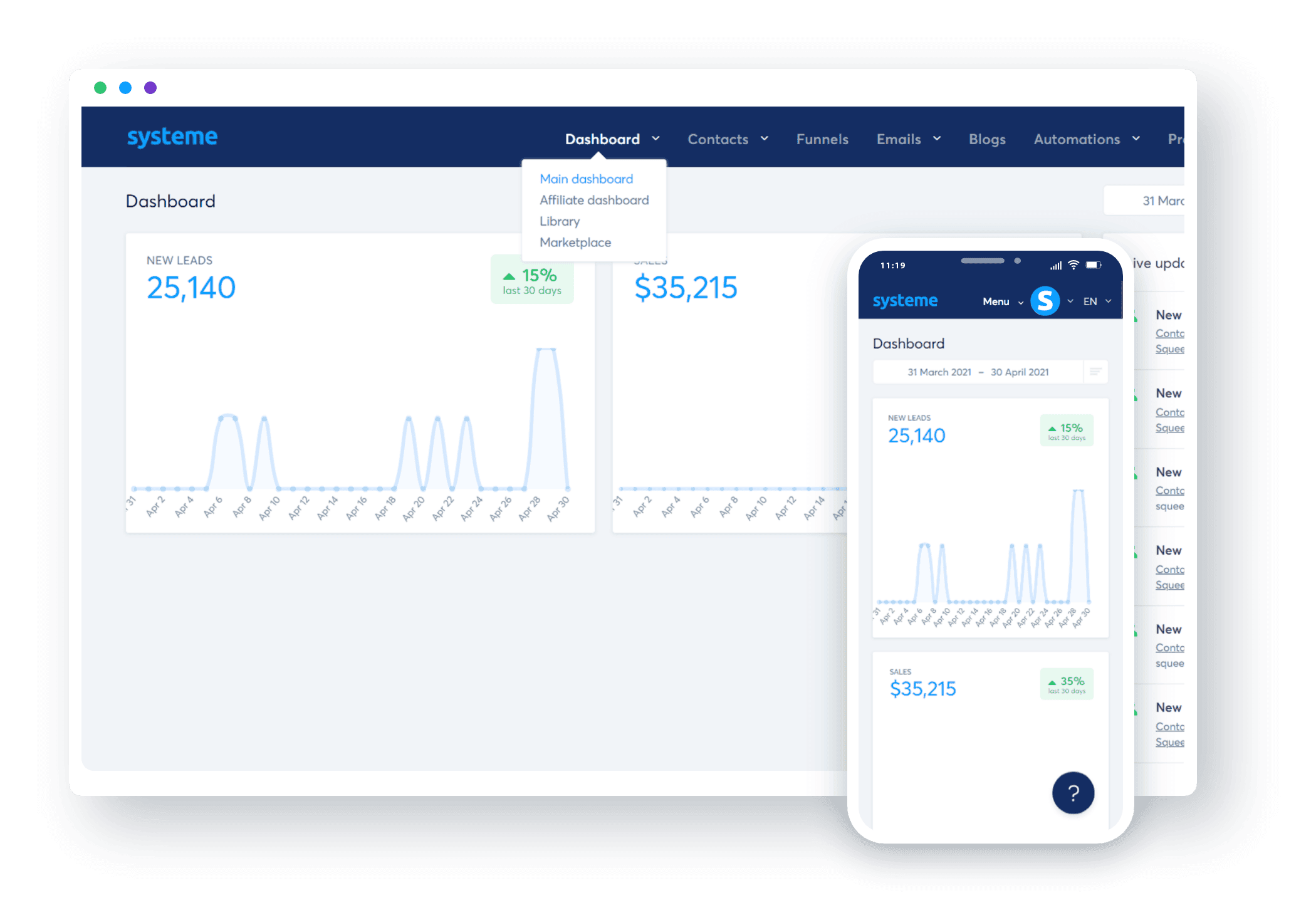
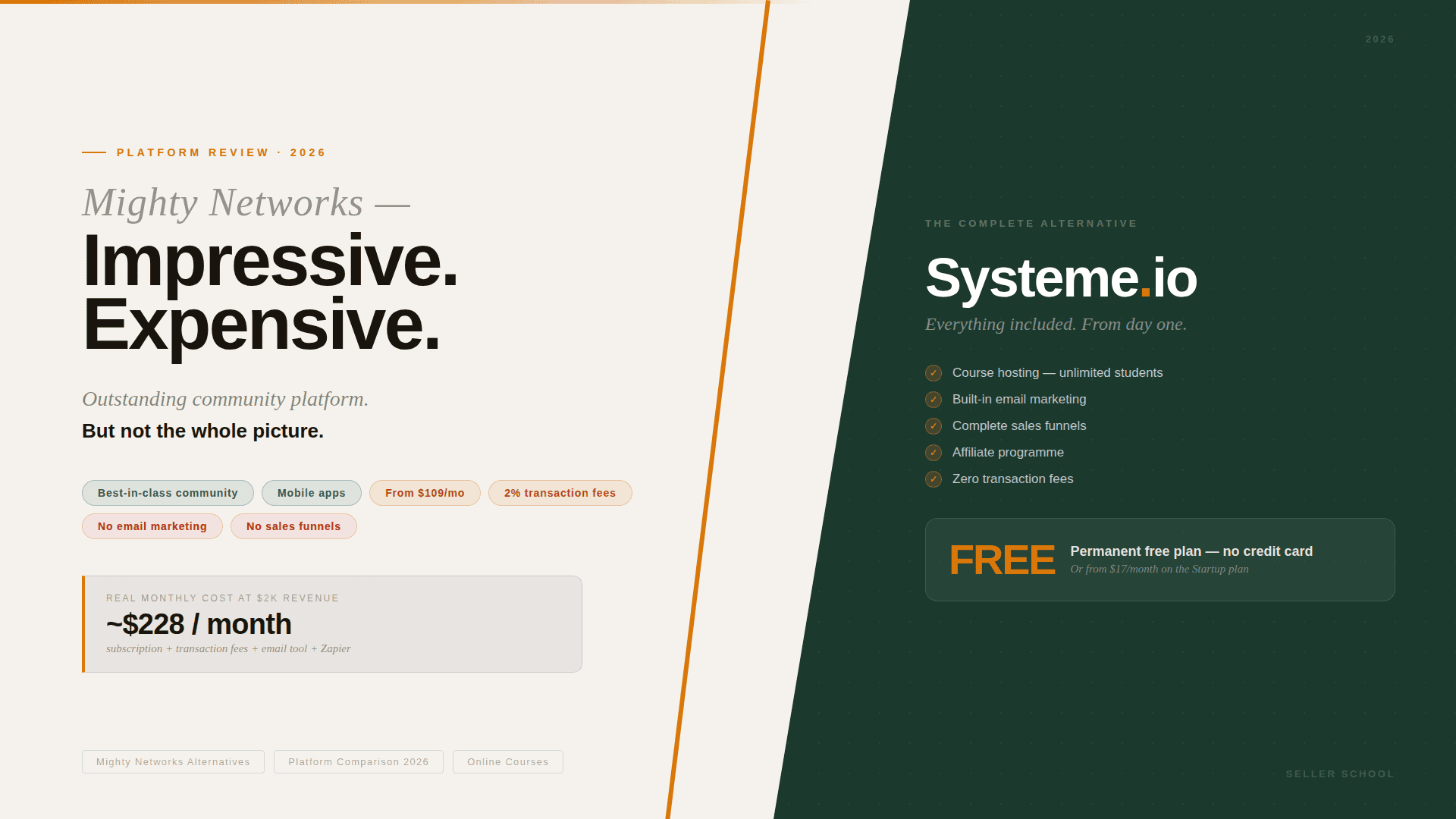
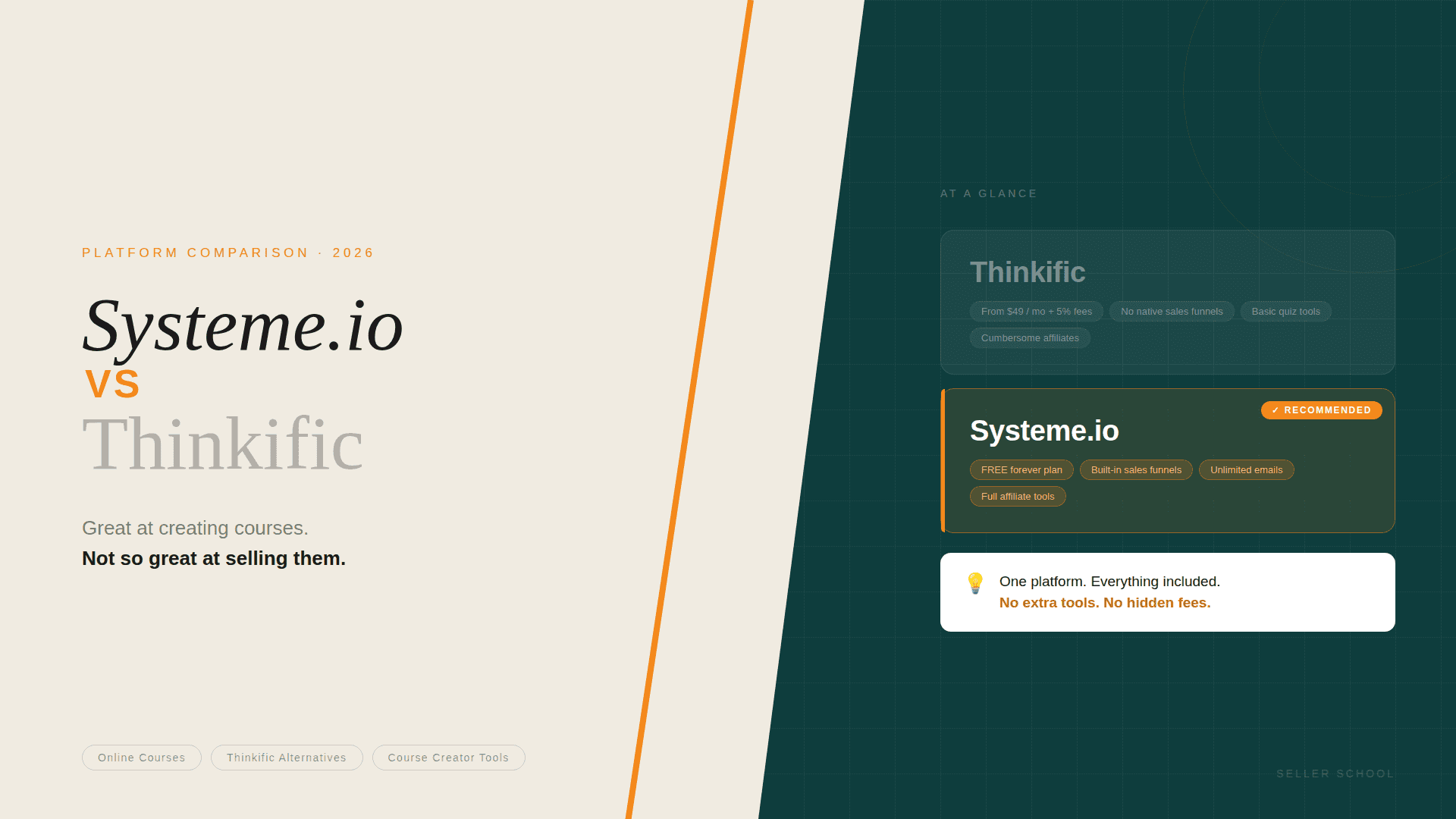
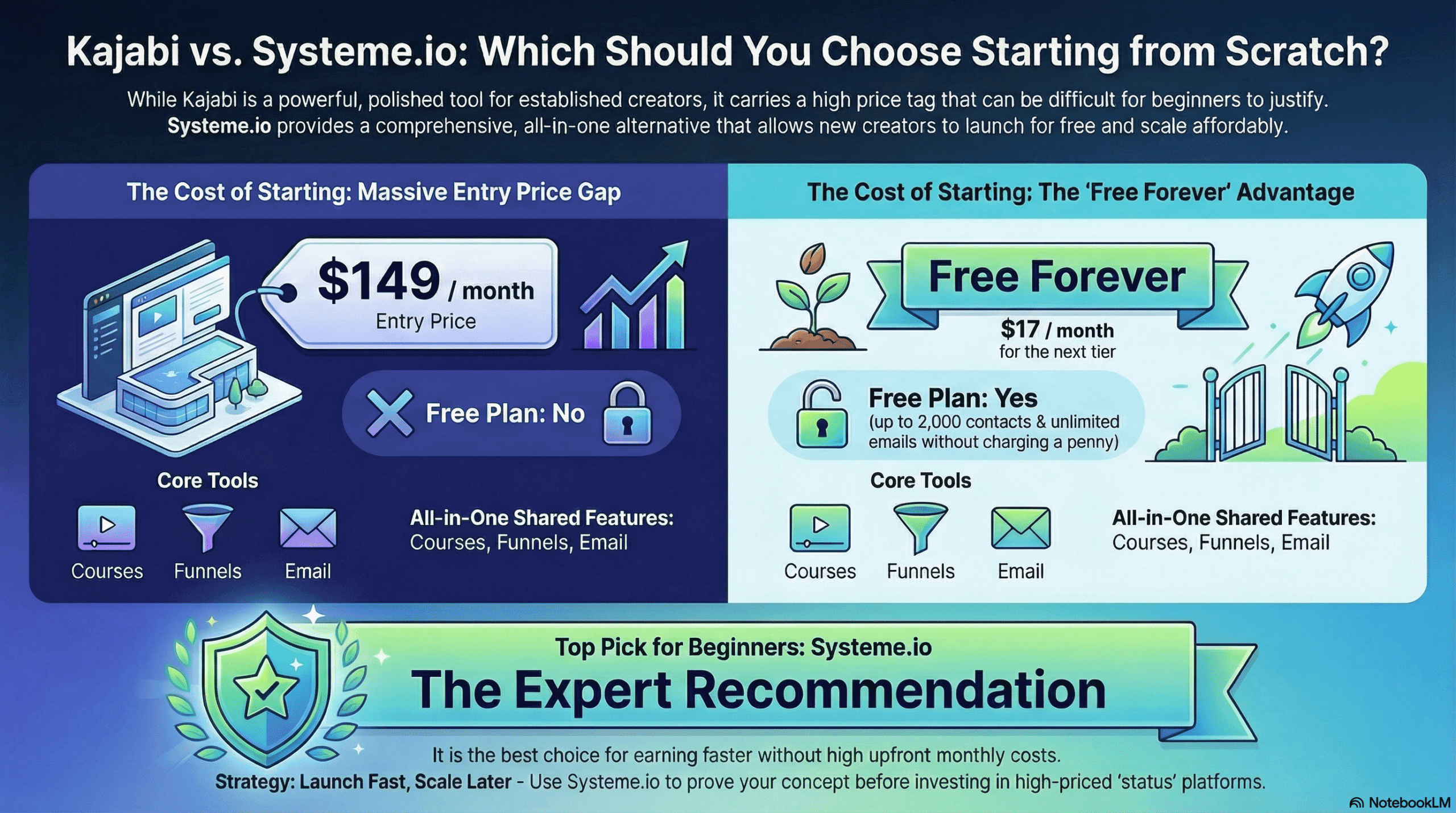
For context, Systeme.io's Startup plan at $17/month — $204/year — includes course hosting, unlimited email sends to 5,000 contacts, ten complete sales funnels with upsells and order bumps, video hosting, an affiliate programme, a website builder, and automation tools. No additional tools required.
The Technical Burden: What Nobody Tells You Before You Start
Even setting aside the cost of additional tools, LearnDash's WordPress foundation creates a category of problems that dedicated hosted platforms simply don't have.
Plugin Conflicts
LearnDash runs alongside every other plugin on your WordPress installation. When something breaks — a quiz fails to submit, a student can't access their course after purchase, completion buttons stop working — the diagnostic process involves deactivating plugins one by one to identify the conflict. This is not a theoretical concern; it's a documented, recurring pattern in LearnDash's own support documentation. For a solo creator who is not a developer, troubleshooting plugin conflicts is a genuinely significant time cost.
Site Performance
LearnDash's reliance on database queries — particularly for complex quizzes, course access controls, and progress tracking — means that site performance is sensitive to hosting quality. Reviews from 2025 and 2026 report high Time to First Byte (TTFB) on lower-tier hosting, slow page loads under quiz load, and specific quiz types (Sorting questions, Randomised questions) failing on certain hosting configurations. Mobile quiz performance has been a recurring complaint for sorting questions specifically.
Email Notification Reliability
LearnDash sends automated notifications for assignment submissions, quiz completions, and course enrollments — but these depend on your hosting server's email capabilities. Multiple reviewers describe delayed or missing notifications as a persistent issue, requiring configuration of a dedicated SMTP plugin to route emails through a reliable provider. That's another integration to manage and potentially pay for.
Content Access After Purchase
One of the most frustrating issues for course creators is when a student completes a purchase and cannot immediately access their course content. This is a documented LearnDash issue caused by caching configurations, membership plugin integration settings, or WooCommerce order processing delays. The fix requires technical knowledge of how LearnDash interacts with your specific combination of plugins. When this happens during a live launch — when multiple students are purchasing simultaneously — it creates support urgency that is extremely stressful.
What LearnDash Does Well — The Genuine Strengths
To be fair: within its domain, LearnDash is genuinely impressive.
- Quiz depth: No hosted platform matches LearnDash's quiz functionality for structured assessments — multiple question types, timer controls, passing thresholds, randomisation, detailed results reporting.
- Course structure flexibility: Courses, sections, lessons, and topics can be nested in complex hierarchies. Prerequisite logic, shared lessons across multiple courses, and cohort-based access are all well-implemented.
- Unlimited users: No per-student fees. As your student count grows, your LearnDash cost doesn't.
- No transaction fees: LearnDash itself charges no percentage of your sales, only standard payment processor fees.
- WordPress ecosystem: Access to the full library of WordPress plugins, themes, and developers makes deep customisation genuinely possible for those with the skills or budget to implement it.
Alternatives to LearnDash: Why Systeme.io Is Worth Trying First
When course creators and coaches search for alternatives to LearnDash, they're typically in one of two situations. Either they've built on LearnDash and discovered the plugin-stacking reality, or they're evaluating it before committing and realising that the technical overhead is more than they signed up for.
Systeme.io addresses the core problem that makes LearnDash difficult for solo creators: it is genuinely all-in-one. Not 'all-in-one with an asterisk requiring seven external tools.' Courses, email marketing, sales funnels, checkout with upsells, affiliate management, website building, and automation — in one platform, with one login, one monthly fee, and zero transaction fees.
What Systeme.io Includes That LearnDash Requires External Tools For
- Email marketing and automation: Unlimited sends included on every plan. On Startup ($17/month), you can email 5,000 contacts with automated sequences.
- Sales funnels and landing pages: Complete opt-in-to-sale funnels with upsells and order bumps, built into the platform.
- Video hosting: Videos can be hosted directly or embedded — no separate Vimeo or Wistia subscription required.
- Affiliate management: Full affiliate programme with tracking and payout management, included from the free plan.
- Website builder: Build your public-facing site inside the same platform as your courses and funnels.
- No plugin conflicts: As a hosted SaaS platform, Systeme.io has no WordPress environment to break.
- No configuration required to get students access after purchase: The course-to-checkout-to-access pipeline is built into the platform.
What LearnDash Does Better
In the interest of balance: LearnDash's quiz functionality is significantly deeper than Systeme.io's. Its course structure flexibility is greater. Its integration with the WordPress ecosystem gives developers almost unlimited customisation scope. And for organisations that genuinely need credential-based assessments, complex reporting, or enterprise-scale management — LearnDash, despite its complexity, may be the right choice.
But for a course creator or coach whose goal is to launch their first course, build an email list, run a sales funnel, and start generating income — none of those LearnDash advantages matter. What matters is getting to market quickly, cheaply, and without managing a WordPress site.
The Mistakes That Cost Course Creators the Most
1. Choosing a tool built for organisations when you're building a solo business.
LearnDash is used by universities and Fortune 500 companies. The depth that makes it suitable for those contexts — complex administrative structures, sophisticated access controls, institutional reporting — is complexity that a solo creator simply doesn't need and will spend weeks configuring. Match your tool to your business, not to the most impressive use case you've read about.
2. Calculating cost based on the plugin price alone.
$199/year sounds extremely competitive. It is — for the plugin alone. The realistic total infrastructure cost for a functioning course business on LearnDash is closer to $1,200–$1,800 per year, before marketing spend. Always calculate total cost, not headline price.
3. Underestimating the technical time cost.
Plugin conflicts, performance tuning, email deliverability configuration, payment integration testing, mobile quiz debugging — these are not theoretical risks, they are documented, recurring issues that require time to resolve. For a creator who wants to spend their time creating and teaching rather than administering a WordPress site, this is a significant hidden cost.
4. Building on a complex platform before validating your course concept.
The worst time to discover that your hosting configuration causes student access issues is during a live launch to your first cohort. Validate your course concept — prove that people will buy it — on the simplest platform possible first. Then invest in more complex infrastructure once you have revenue to justify it.
The Most Practical Next Step
If you're evaluating LearnDash and wondering whether the technical overhead, the plugin-stacking cost, and the WordPress complexity are the right starting point — the most useful thing you can do is test the alternative at zero cost.
Systeme.io's free plan is permanent. No credit card required, no 30-day trial window, no feature restrictions that prevent real use. You can create a course, set up a funnel, write an email sequence, connect Stripe, and get your first product in front of paying students — all before spending a penny.
Sign up for your free Systeme.io account here: https://iosysteme.com. Permanent free plan. No credit card required.
And if you'd like a broader comparison of all the main platforms — LearnDash, Systeme.io, Kajabi, Teachable, Thinkific, Kartra, Skool, Mighty Networks, Circle.so, and others — I've put together a free guide specifically for course creators and coaches. It covers what each platform is genuinely suited for, the real total cost at each stage of your business, and how to make the right decision without the expensive guesswork. The guide is available below this article.
LearnDash is not a bad platform. For the right creator in the right context — particularly those with WordPress experience, technical support, or genuine enterprise-scale educational needs — it earns its reputation. But for a coach or creator who wants to get their first course live, build an audience, and start generating income without becoming a part-time developer — it's solving the wrong problem. Test the simpler path first.
About the author: This review is based on hands-on experience with multiple course platforms over several years, including LearnDash, Systeme.io, Kajabi, Teachable, Kartra, and others. Pricing figures are sourced from LearnDash's published pricing page and independent reviews current as of early 2026.